Spawner upgrades and warnings
Place your spawner, make it faster and see why it stopped.
Place it
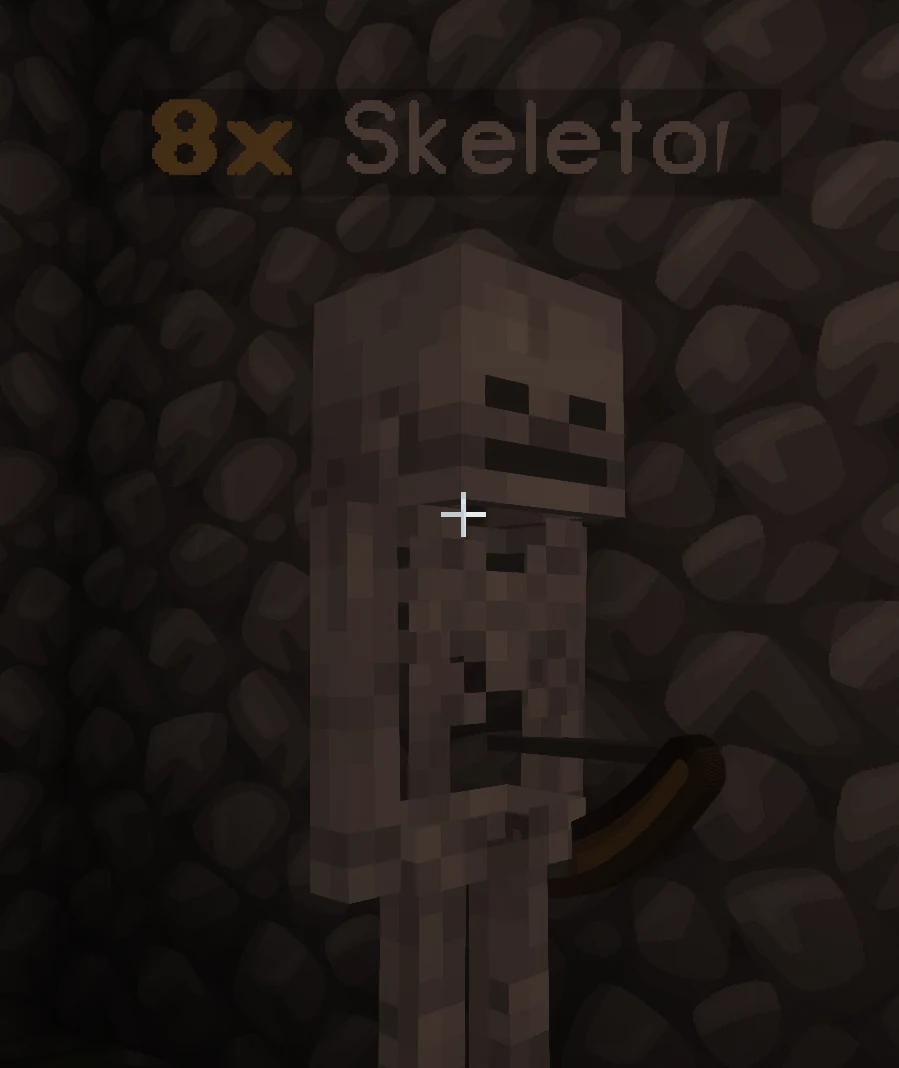
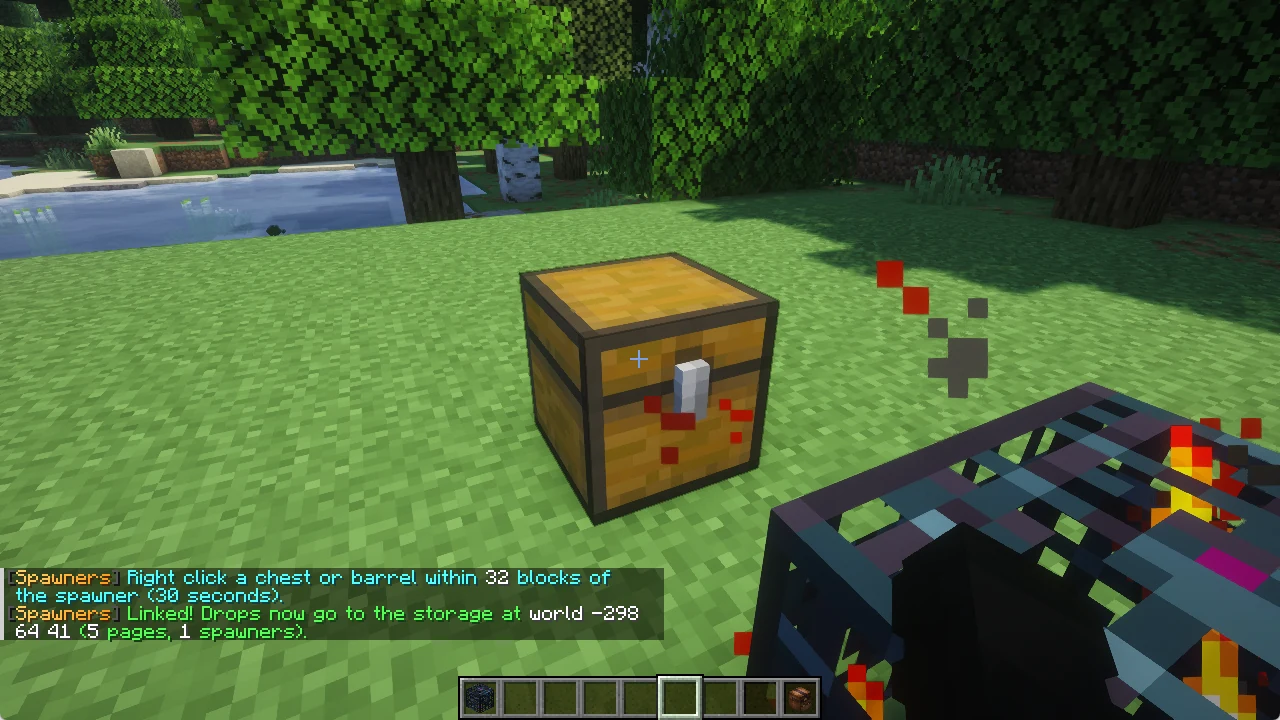
Place your spawner like any block. The chat tells you how many spawners you have (up to 4) and that a spawner only runs while you are online and playing.
The upgrades
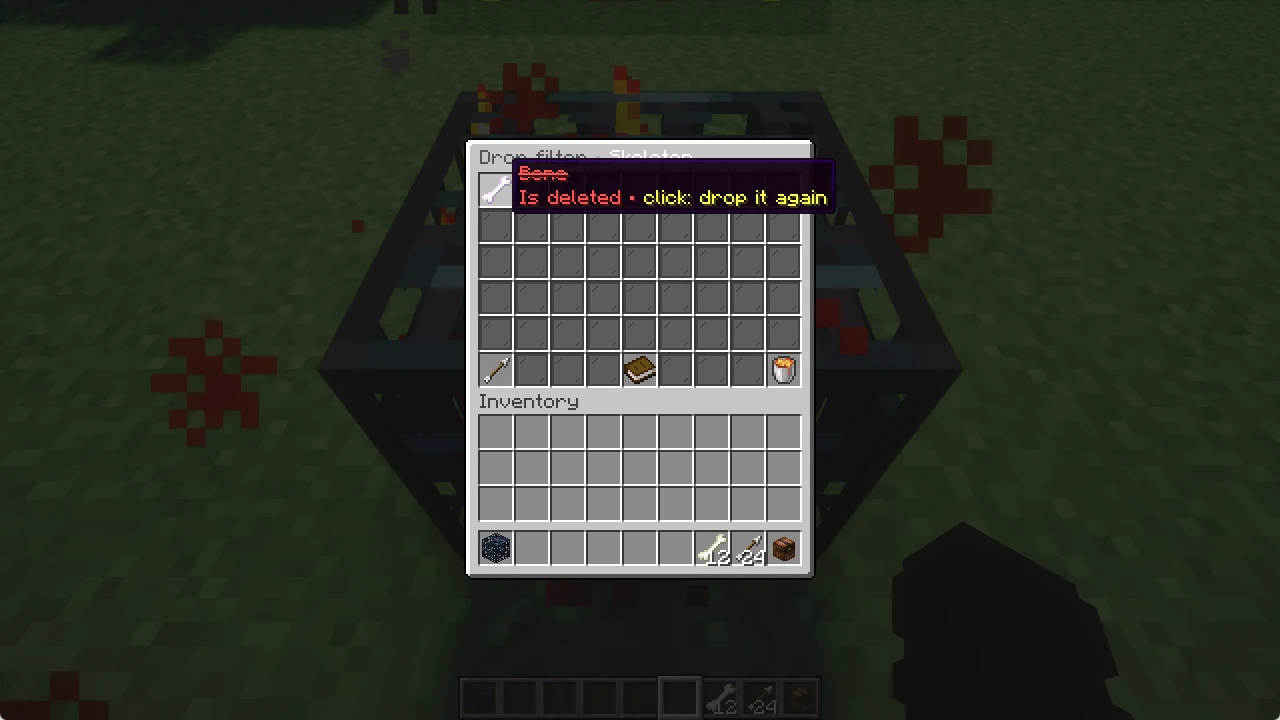
Right click your spawner to open its menu. There are three upgrades:
- Range: how close you must be for it to run (16 blocks, next level 20)
- Delay: time between spawns, every level is faster (25 seconds, next level 21.3)
- Amount: how many mobs per spawn (4, next level 5)
Hover over an upgrade to see the current value, the next one and the price, then click to buy it.
Warnings
When a spawner does not spawn, the star at the top left tells you why. The most common one: insufficient light level. Skeletons and zombies need darkness, animals need light.
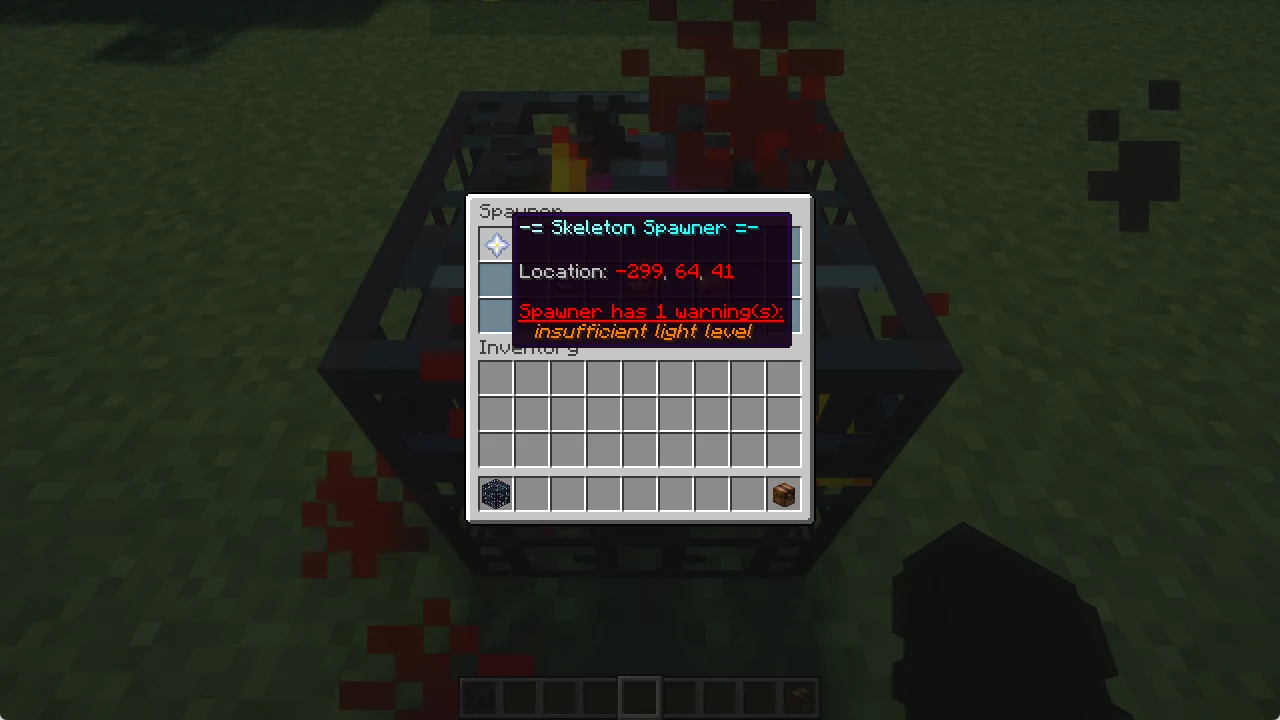
/sstack limits shows all your spawners and why one of them is paused.