Spawner storage
Drops go straight into a chest, no hoppers needed. A rank perk.
Link a chest
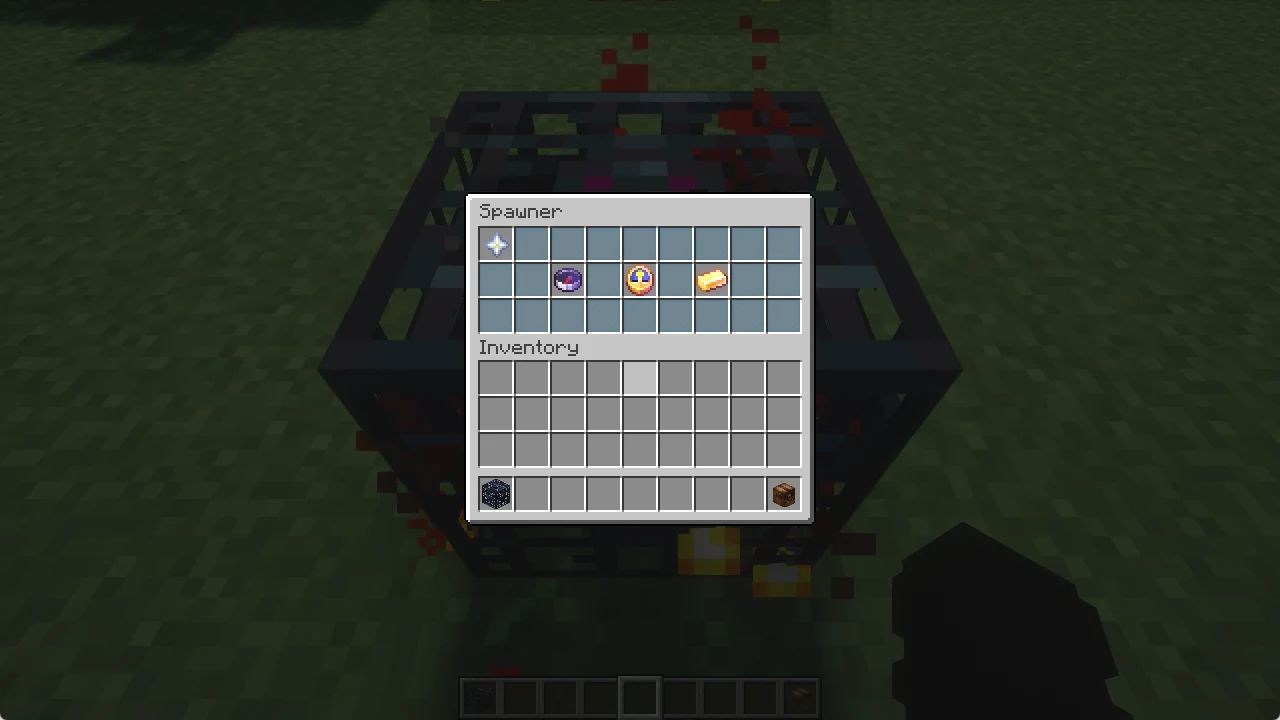
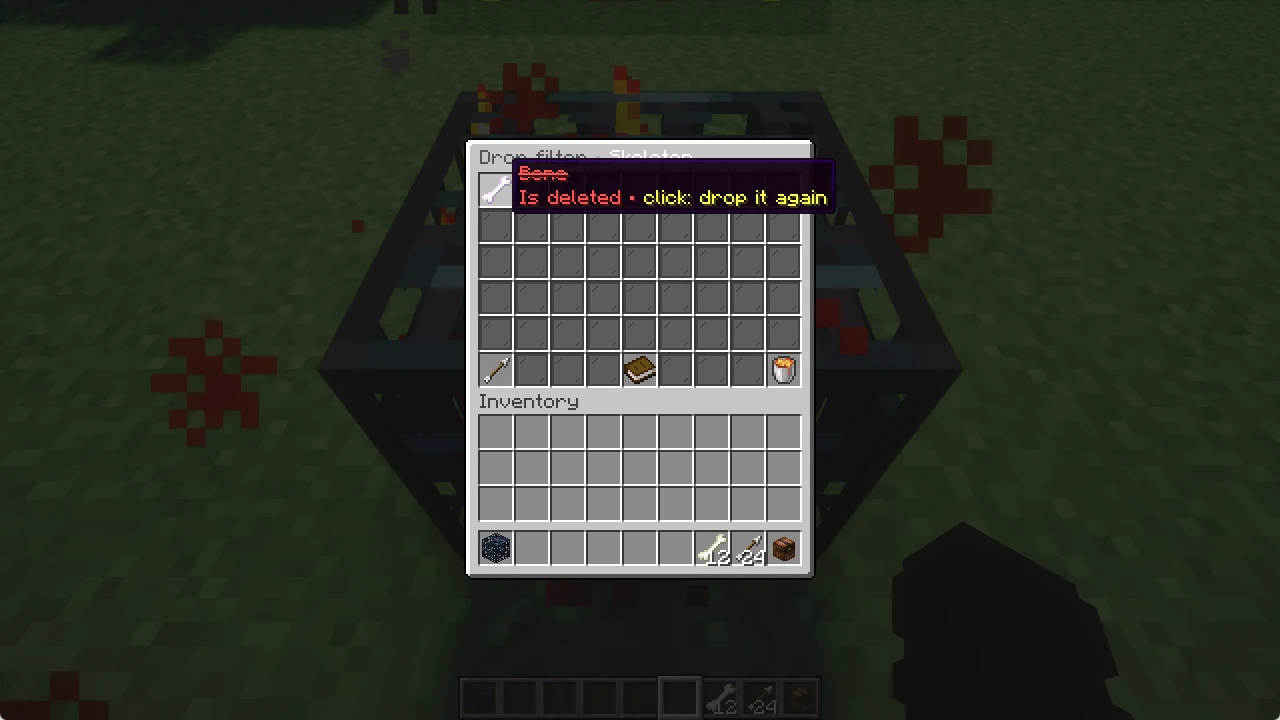
- Sneak + right click your spawner with an empty hand. The spawner menu with storage and drop filter opens.
- Click Link to a storage.
- Right click an empty chest or barrel within 32 blocks. A single chest, no double chest.
From now on every drop goes straight into that chest. No hoppers, no items on the floor. Several spawners can share one storage.
Your storage
Right click the chest to open it: pages of 45 slots, arrows to turn, "Take this page" moves everything into your inventory. You can only take items out, not put any in.
How many pages you get depends on your rank: VIP 5, VIP+ 10, MVP 15, MVP+ 20. When it is full, drops fall on the ground again and you get a message.
In the spawner menu: click the storage to open it, shift + right click to unlink it.