Drop filter
Delete the drops you do not want, like bones.
Pick what gets deleted
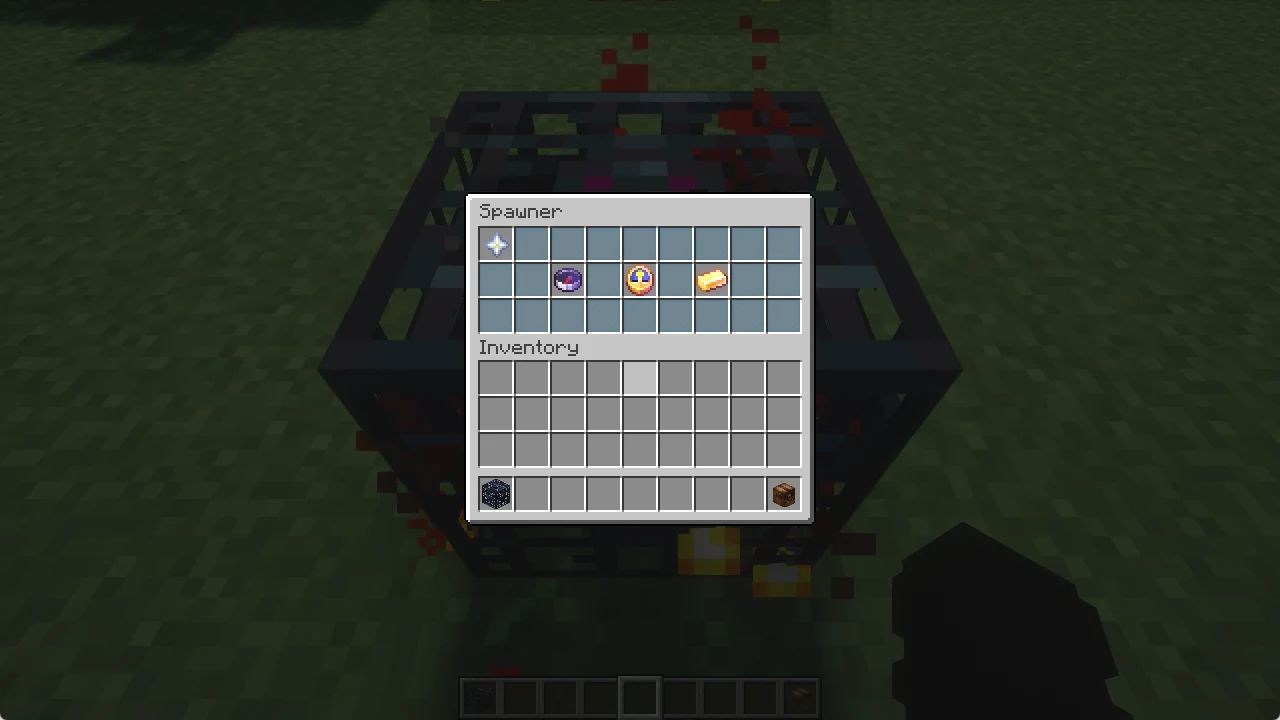
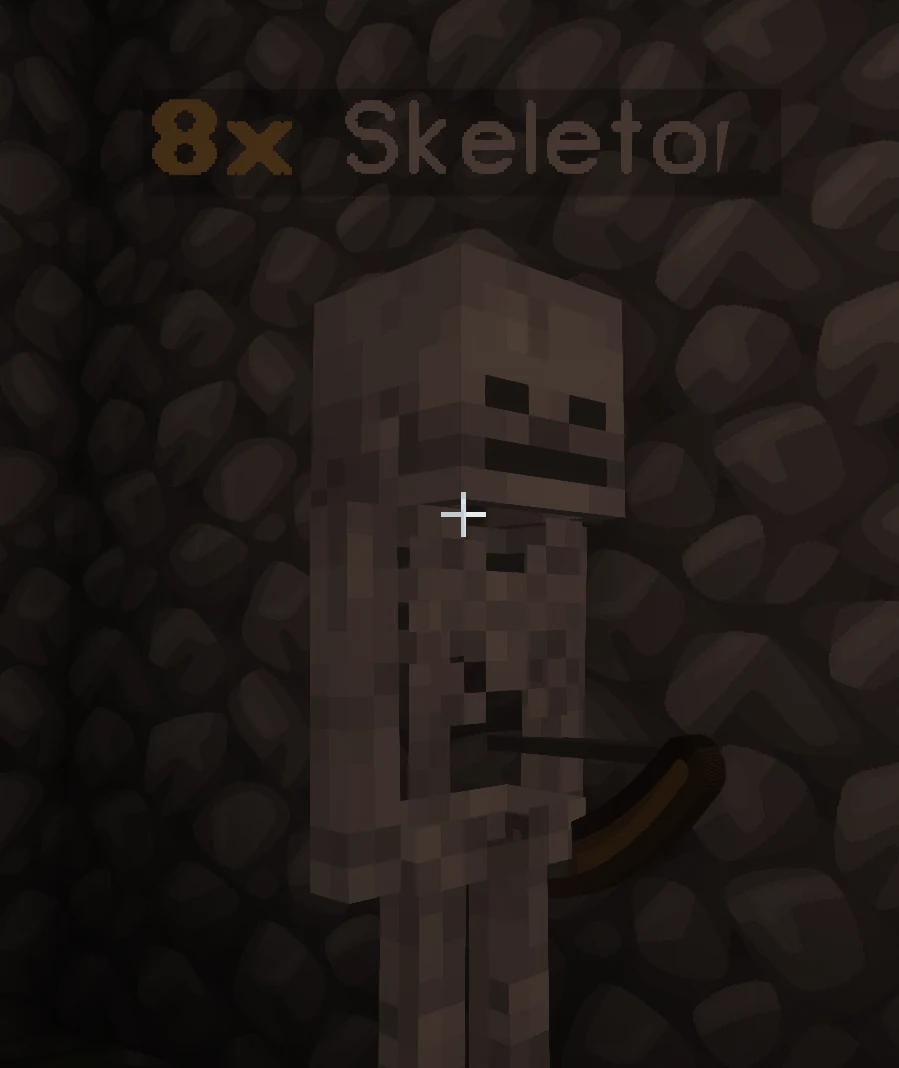
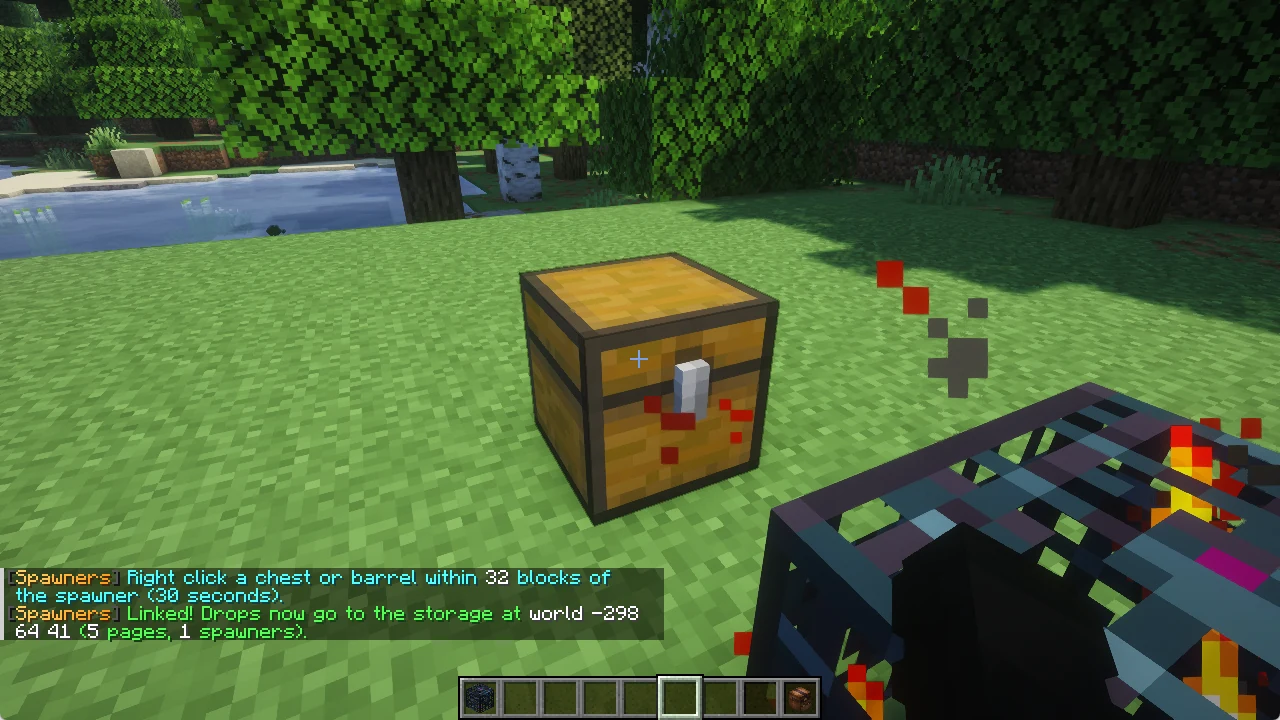
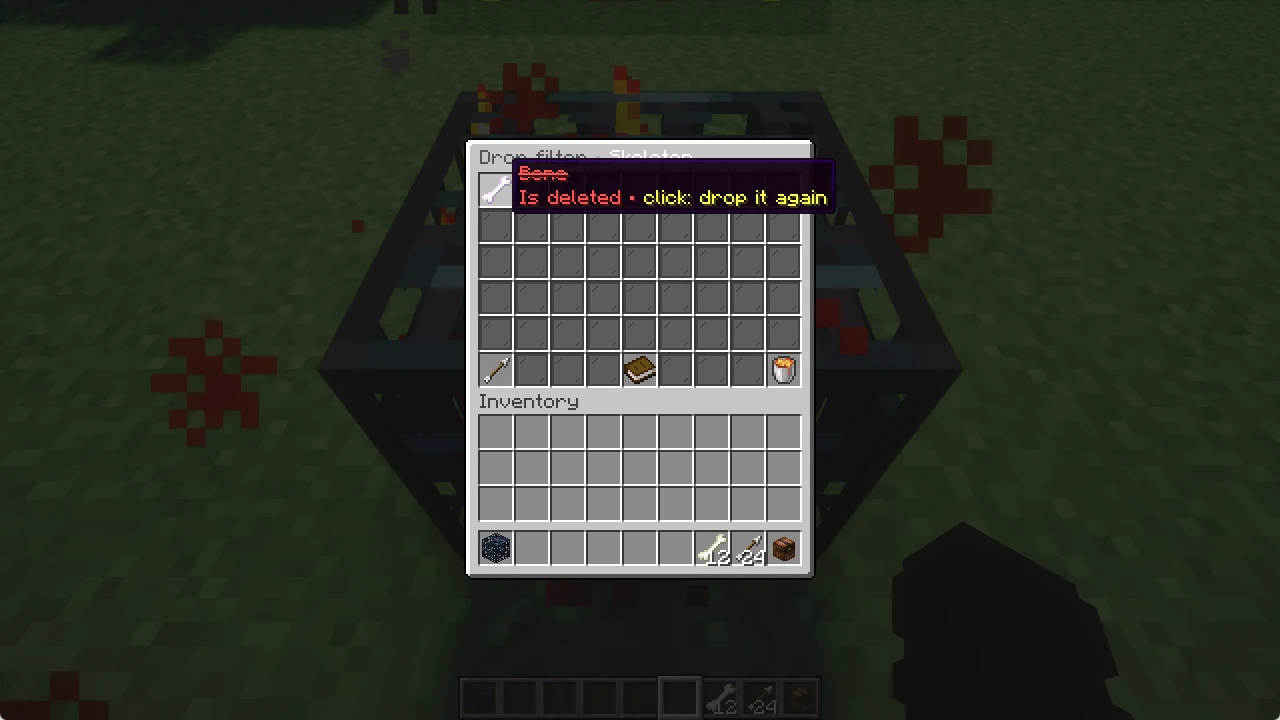
Sneak + right click your spawner with an empty hand and click Drop filter. It lists everything the mobs of your spawner have dropped so far.
Click a drop to delete it from now on: it turns red and crossed out. You can also click an item in your own inventory to add it. Click it again to drop it again. XP is never deleted.
For mobs outside of spawners there is the loot filter in /zs.