Your survival menu (/zs)
One menu for everything: backpack, sorting, loot filter, spawners, keep inventory, PvP and more.
Open it
Type /zs. Every button shows what it does and its current state when you hover it.
What is inside
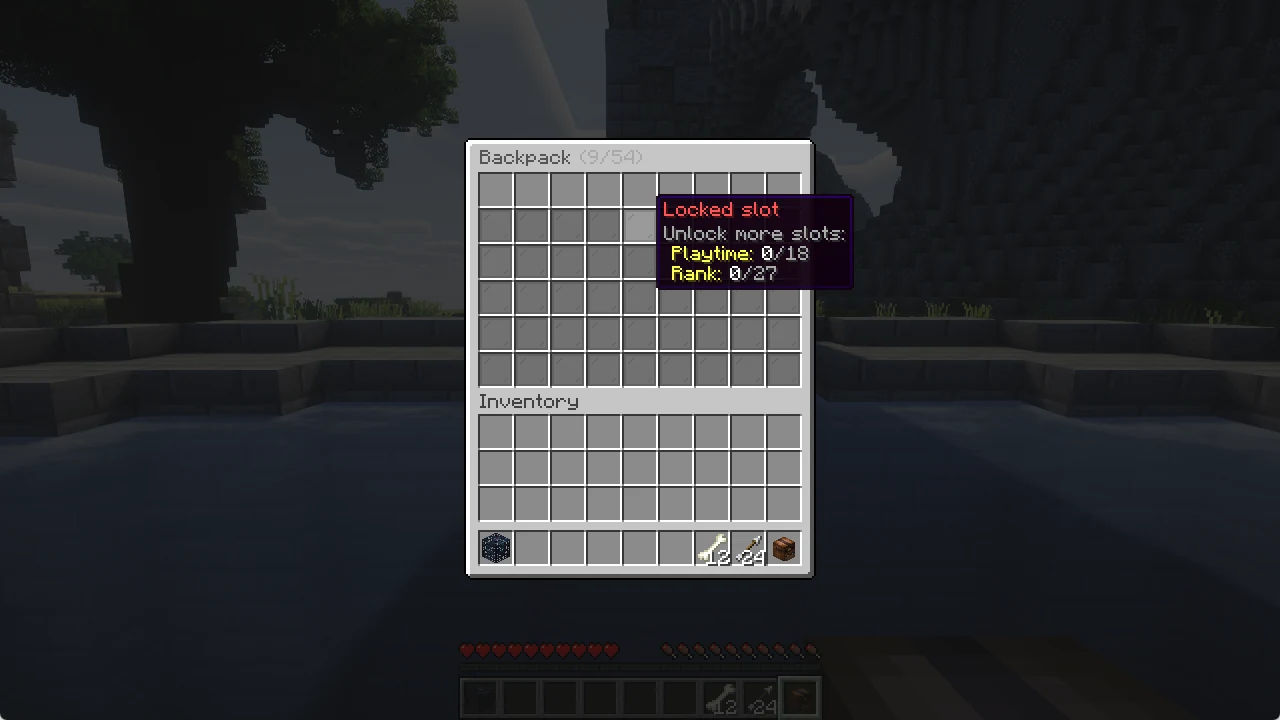
- Backpack: your extra storage, see the backpack guide.
- Sort: sorts your inventory. Left click sorts, right click turns the shortcuts on or off (shift + right click an empty slot, or sneak while opening a chest).
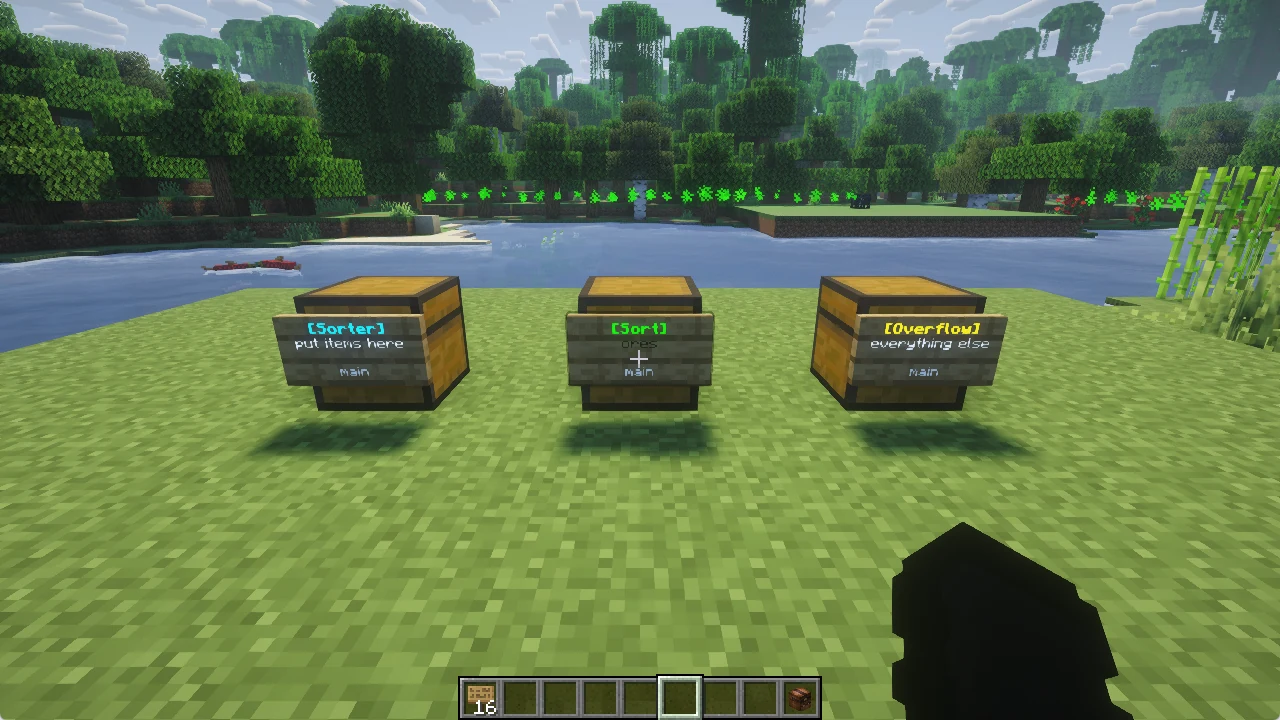
- Sorter networks: chests that sort on their own with
[Sorter],[Sort]and[Overflow]signs. - Mob loot filter: pick the drops your farms delete.
- Spawners: your spawner limits.
- Auction house: left click the auction house, right click the request board.
- Keep inventory: shows whether it is on and what your next death costs.
- PvP: fight other players or not.
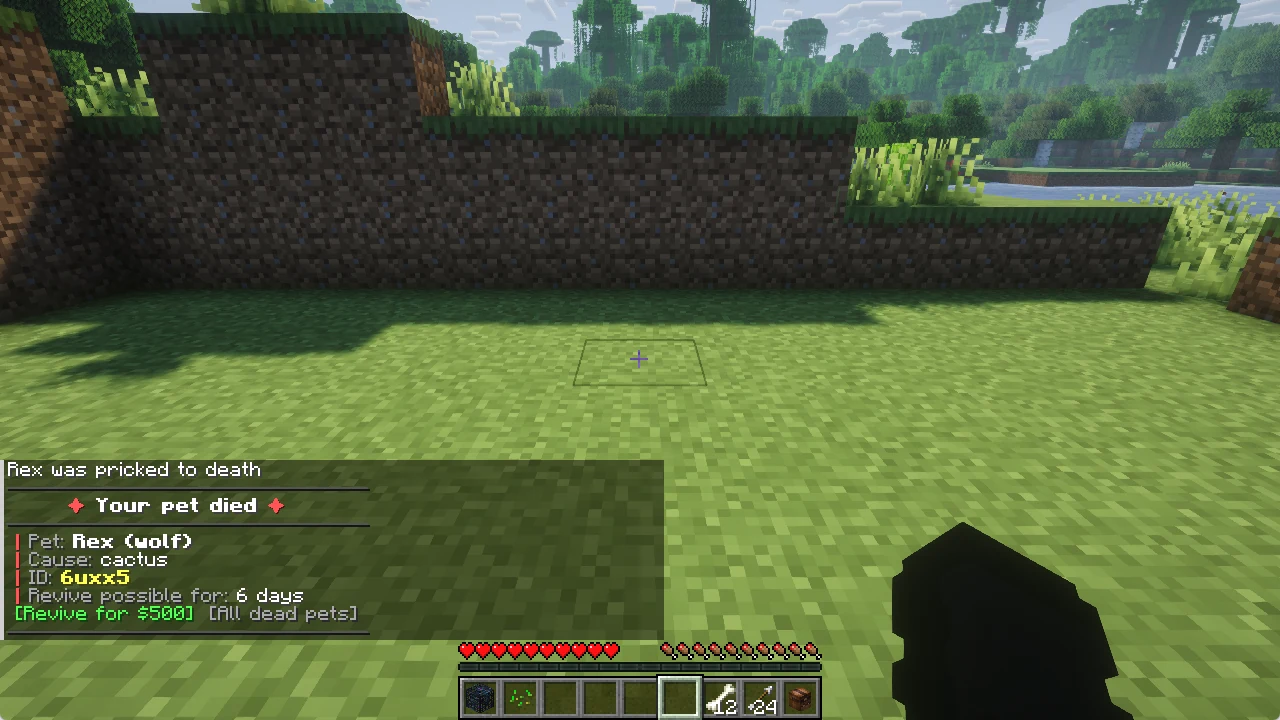
- Pet revive: your dead pets.
- All ZPP menus and Commands: every menu and every command in one place.
Mob loot filter
The loot filter works like the spawner drop filter, but for all mobs that die in your farms. Click a mob, then click the drops you do not want: they are deleted from now on.
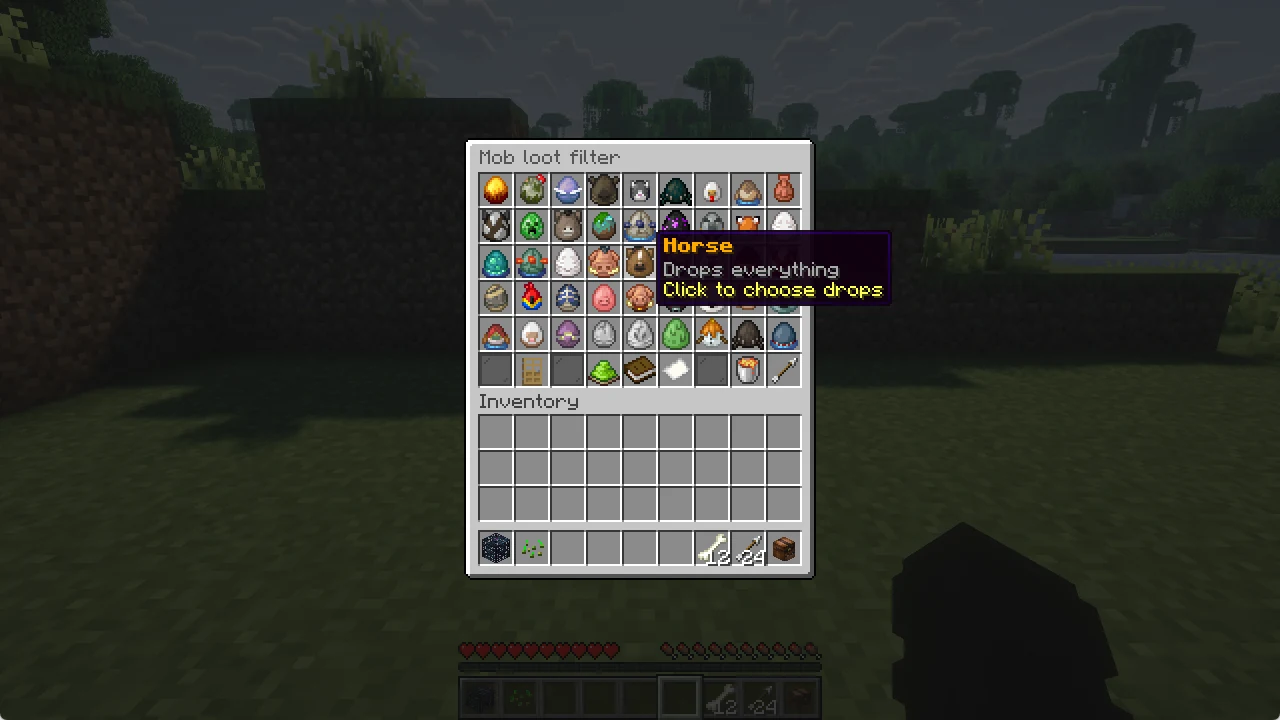
Never deleted: XP, items a mob picked up from the ground, renamed items and drops of tamed or named mobs.