Sort and auto pickup
Tidy your inventory with /sort and let mined blocks go straight into your bag.
Sort your inventory
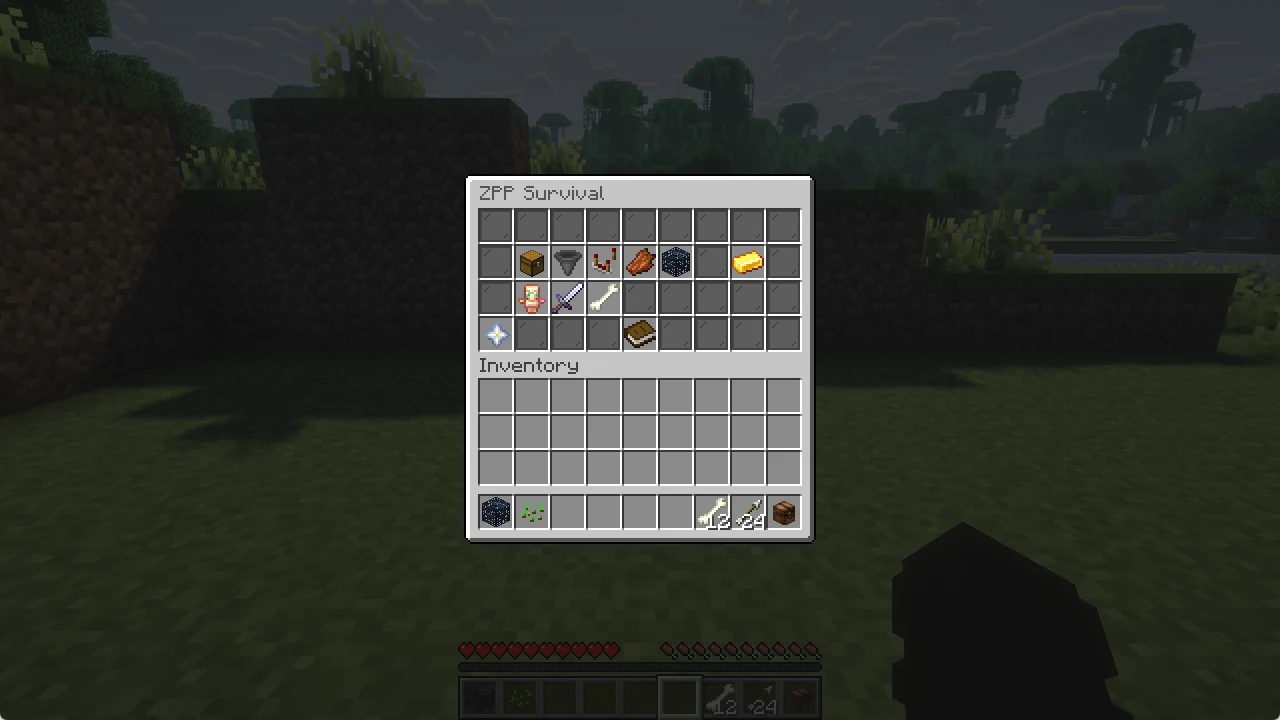
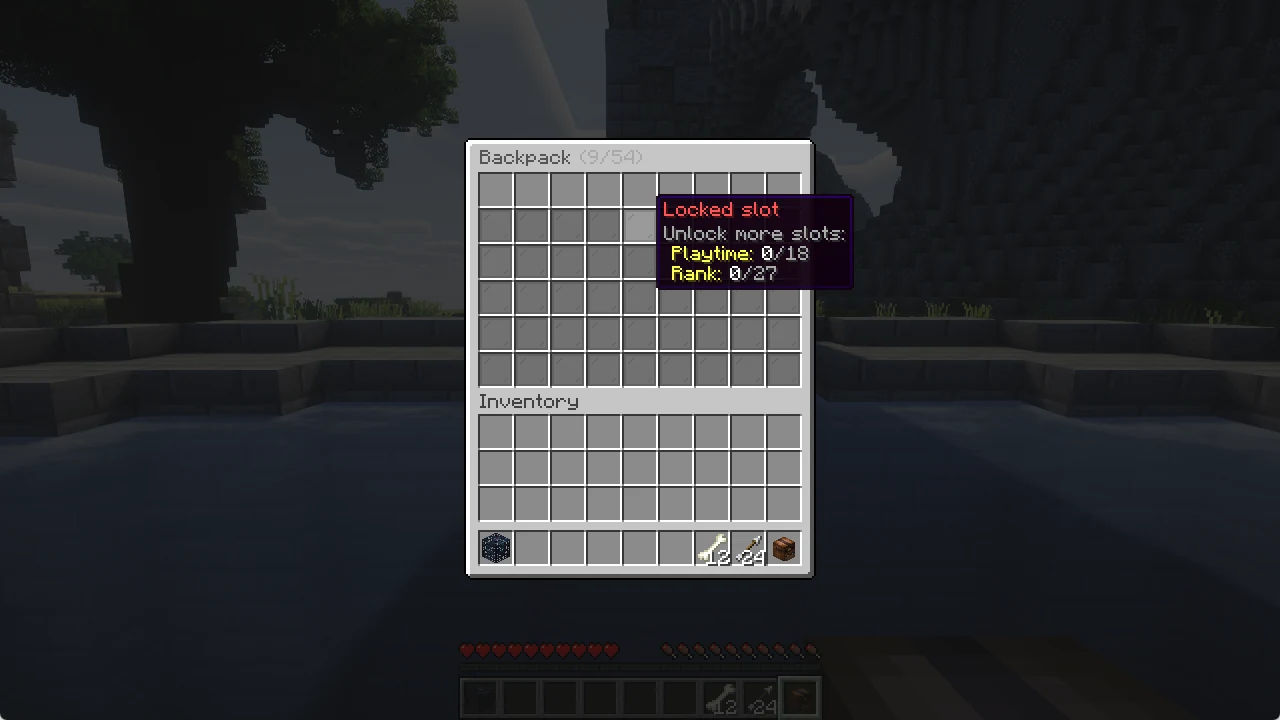
Type /sort and your inventory is sorted. Your hotbar stays as it is, and equal stacks are merged.
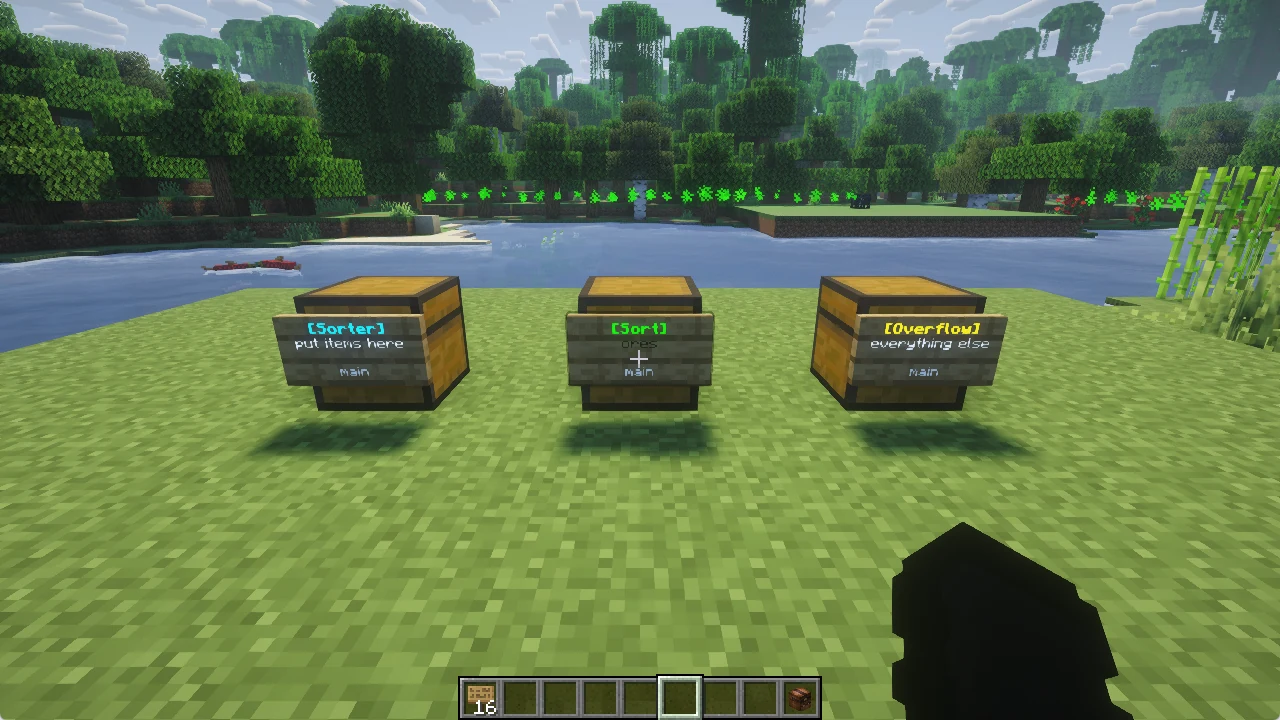
Sort a chest
- Sneak and right click a chest, barrel or shulker box with an empty hand: it opens already sorted.
- In an open chest, shift right click an empty slot. Click in the chest part to sort the chest, in your own part to sort your inventory.
/sort toggleturns these shortcuts off or on for you./sortalways works.
Auto pickup
Blocks you mine go straight into your inventory, no need to pick them up. This is on for you from the start. /autopickup turns it off, and the same command turns it on again.
/autodrops does the same for the drops of mobs you kill, and /autosmelt smelts what you mine.