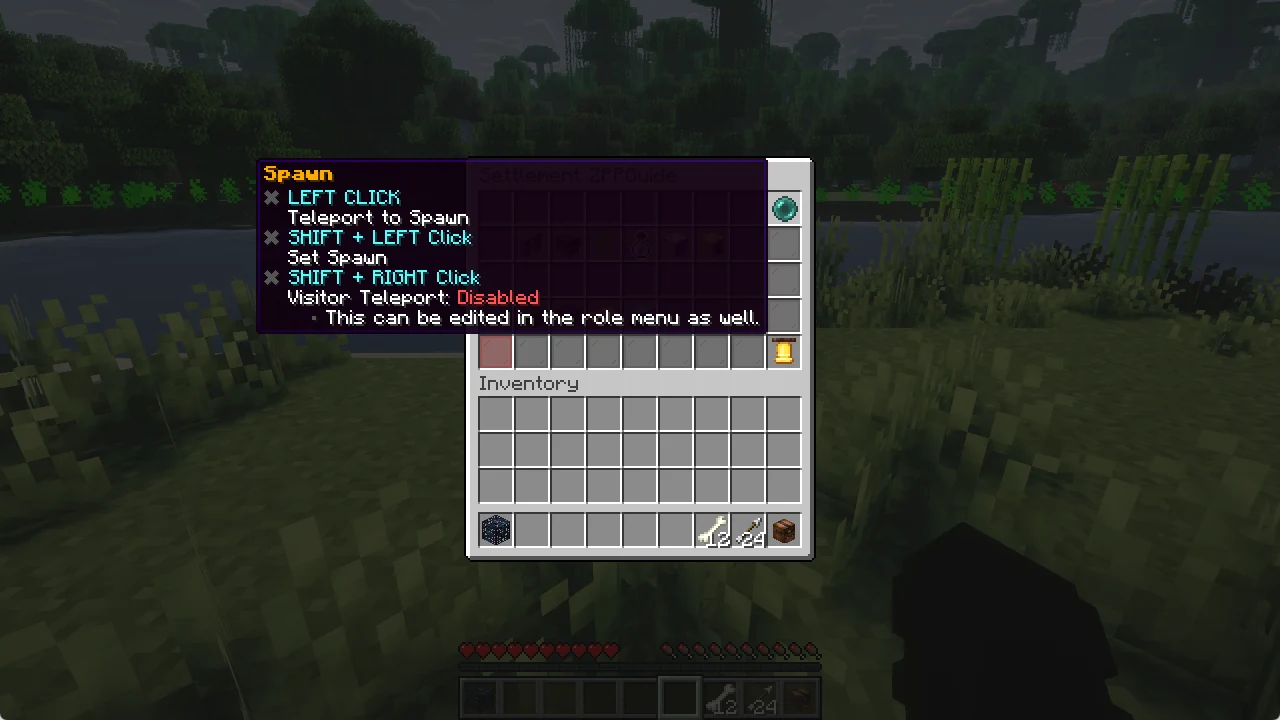
Roles and flags
Decide exactly what your members and visitors may do.
Roles
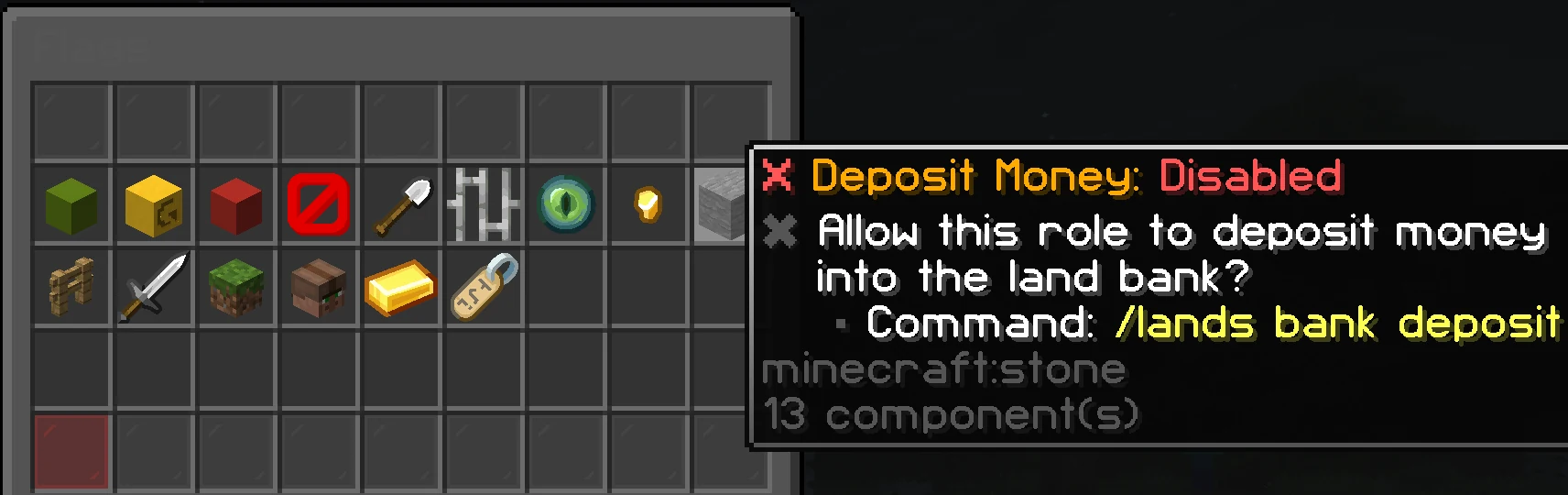
Every player in your land has a role. A role decides what they may do: build, open chests, use doors, deposit money and more.
Open /lands and click Roles.
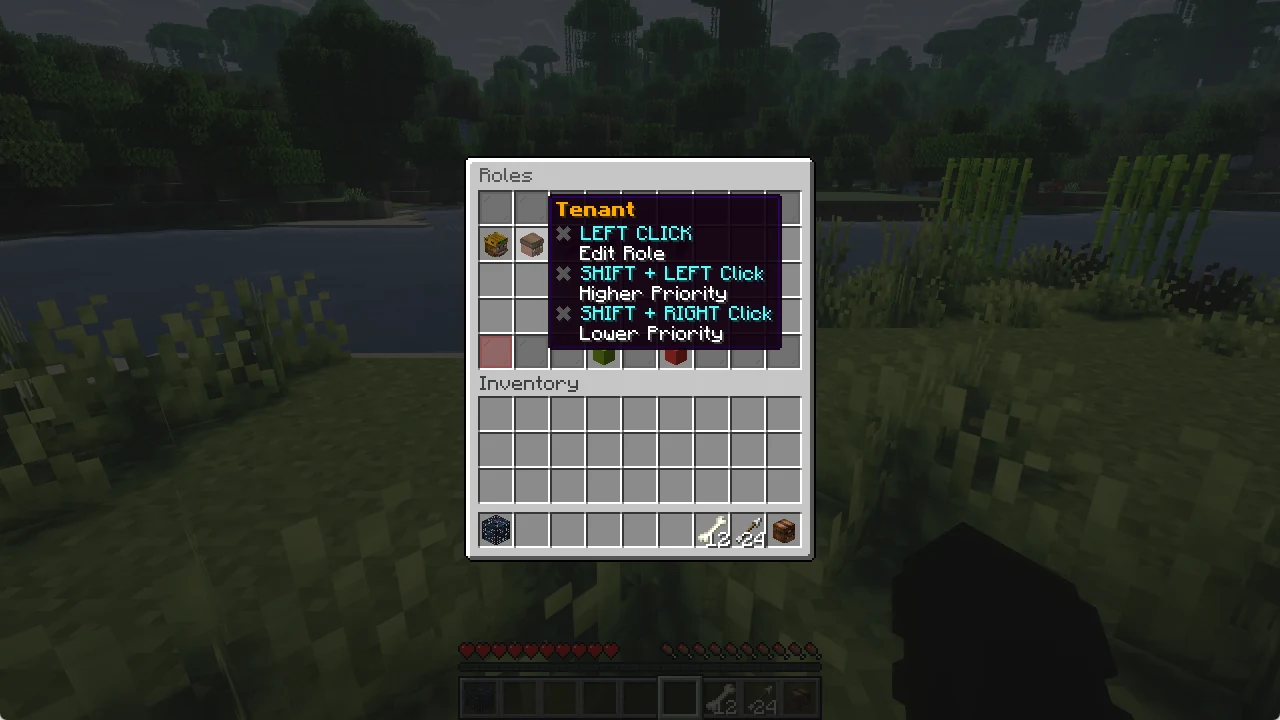
Edit a role
- Left click: edit the role
- Shift + left click: higher priority
- Shift + right click: lower priority
- Drop (Q): delete the role
Flags
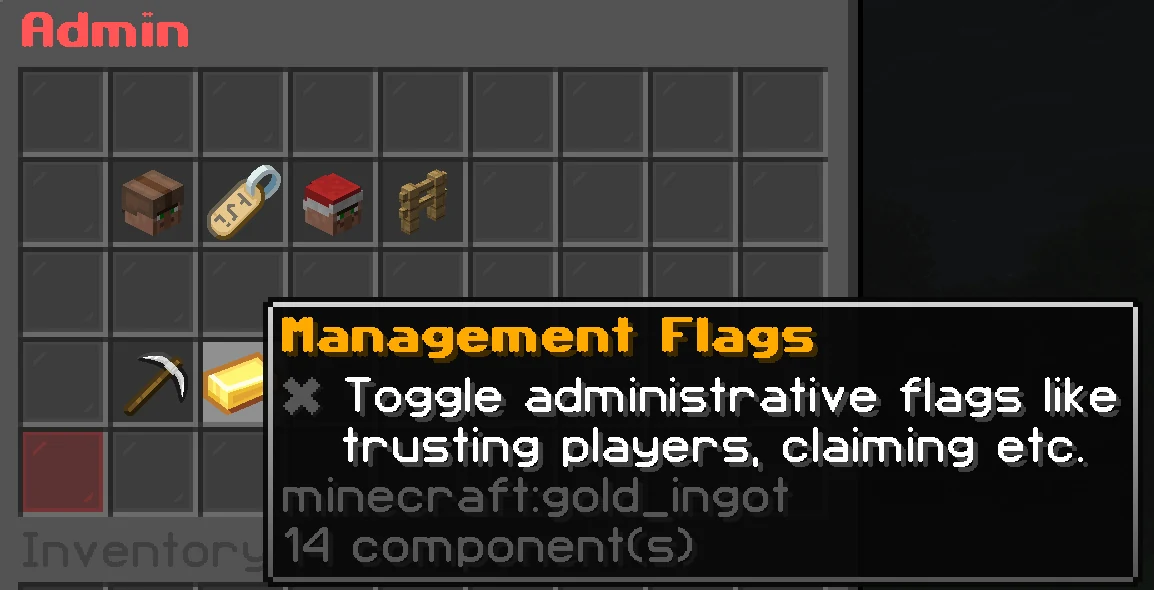
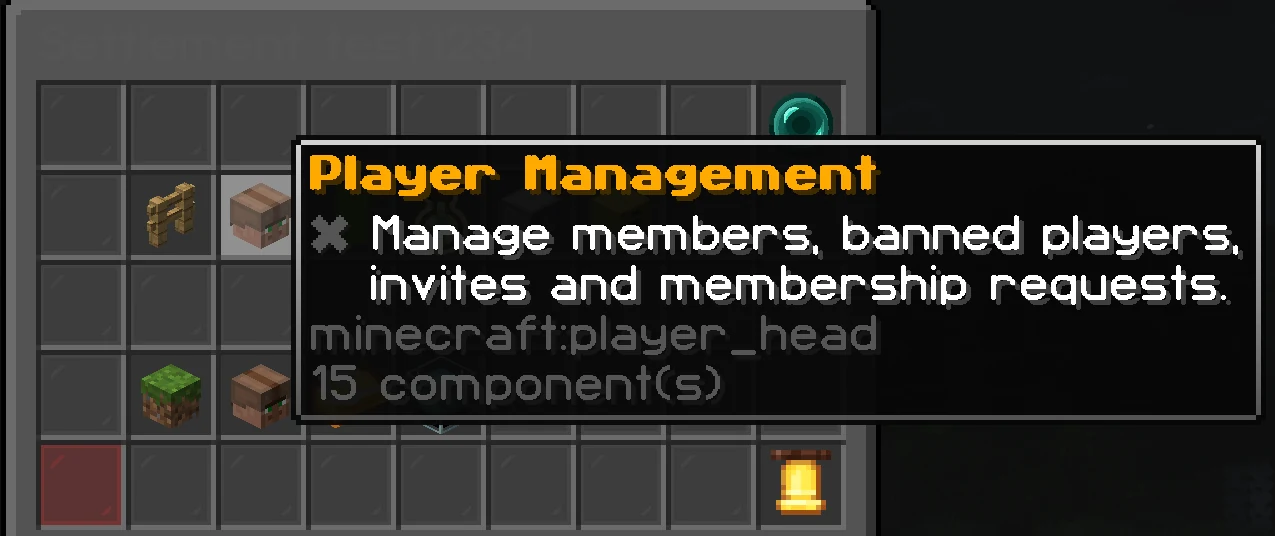
Inside a role you find the management flags (trust players, claim land ...) and the normal flags. Click a flag to turn it on or off.