Land map and unclaim
See who owns which chunk with /lands map, and give a chunk back with /unclaim.
The land map
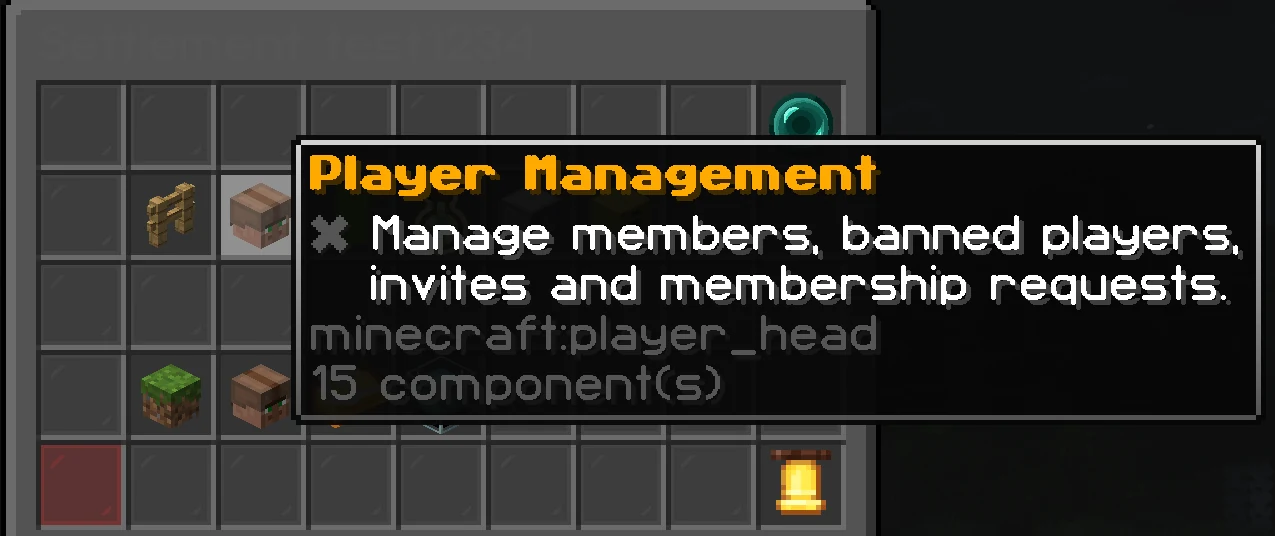
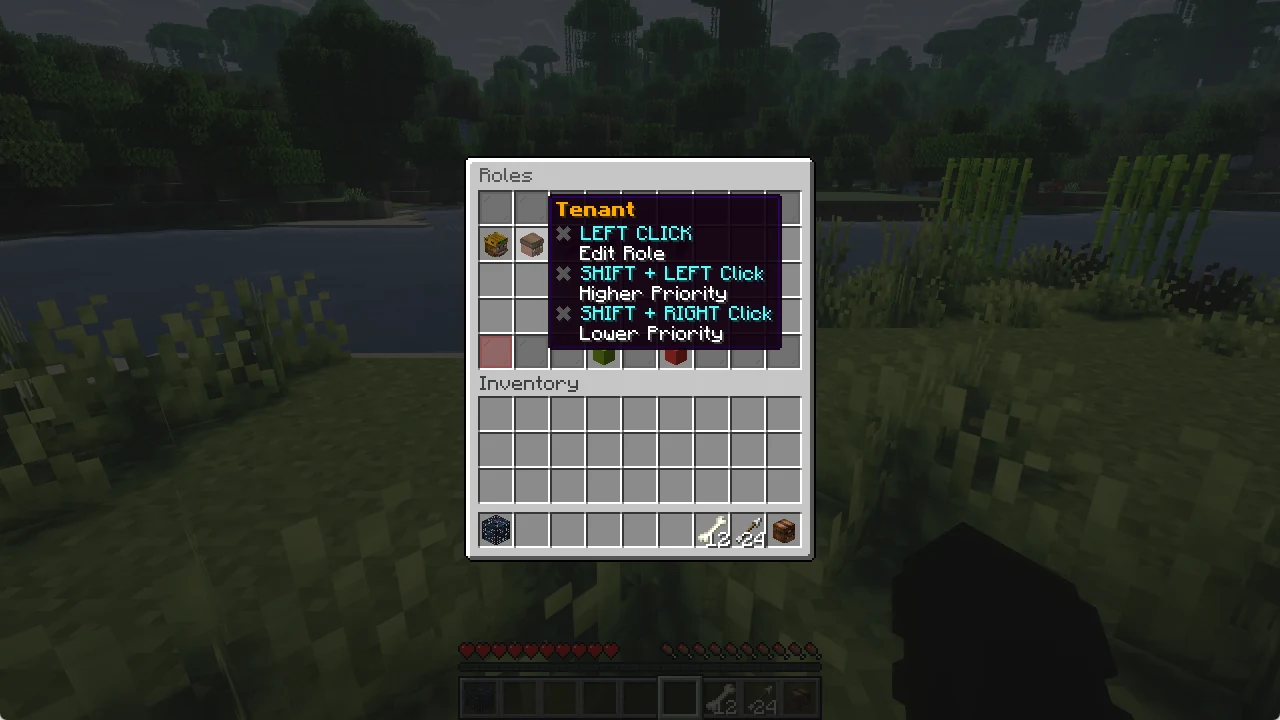
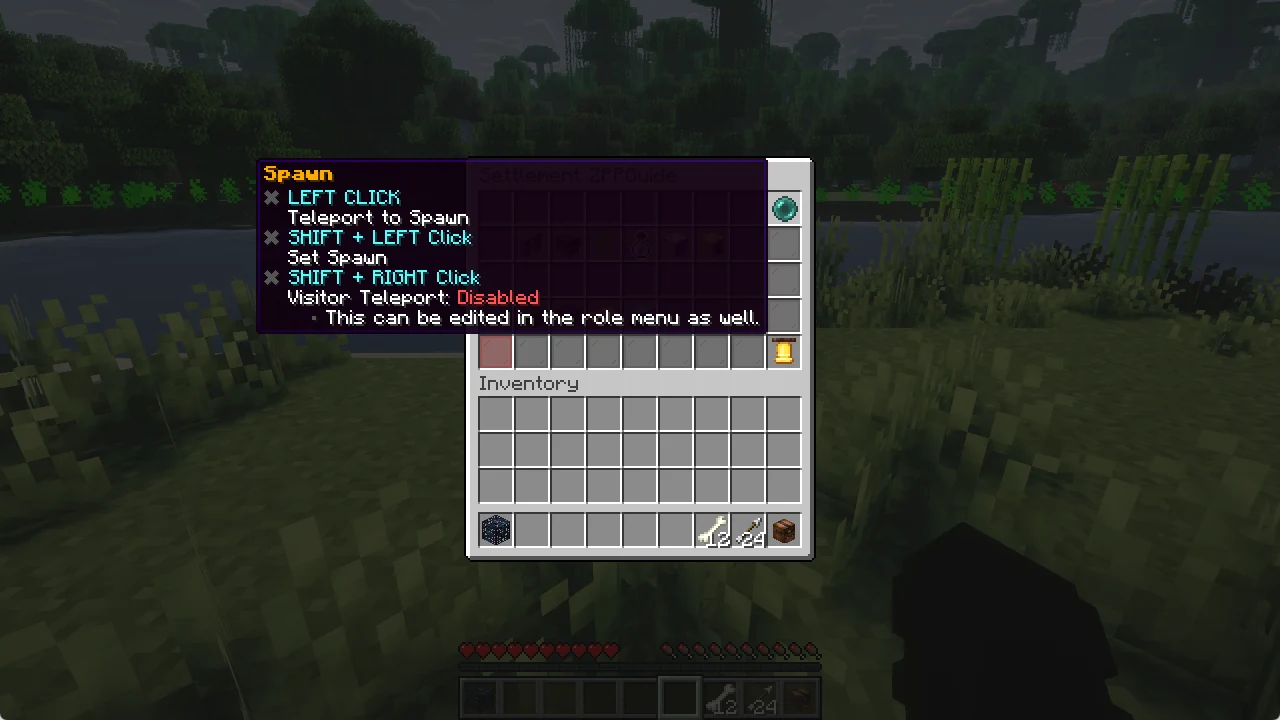
Type /lands map. A window opens that shows the chunks around you, with your own land in green. Move the mouse over a chunk to see who owns it. The tooltip also tells you if it is your land and lets you open its menu.
Unclaim a chunk
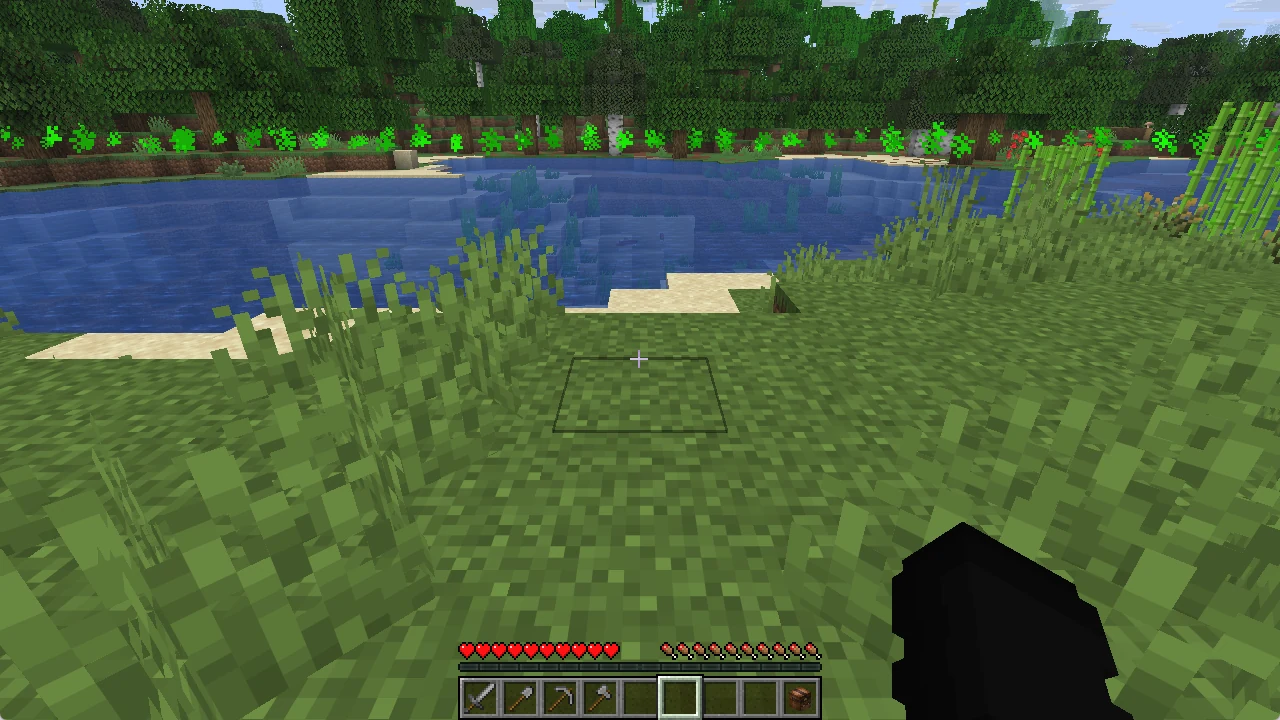
Stand in the chunk you no longer want and type /unclaim. The chat confirms it, and the green border particles show that the chunk is free again.