Auction house and request board
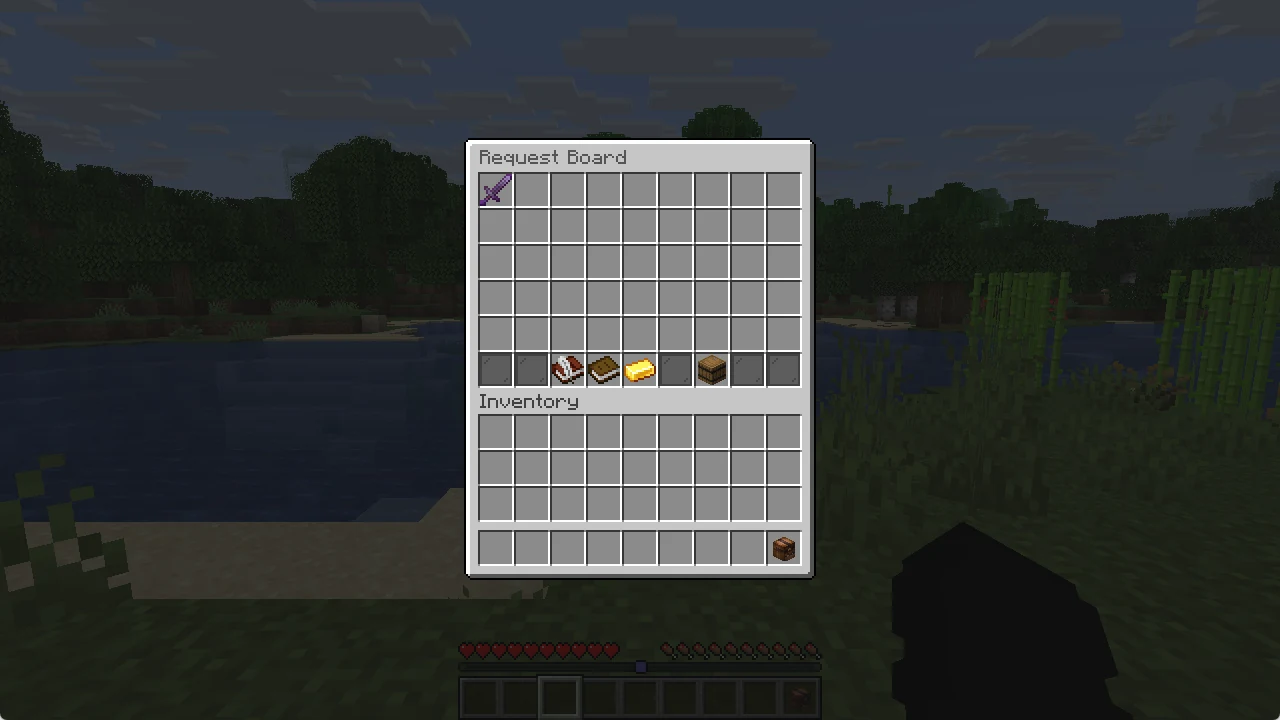
Sell to other players with /ah, or ask for the items you need with /rb.
Sell an item
Hold the item in your hand and type /ah sell <price>. To sell only part of the stack, add the amount: /ah sell <price> <amount>. The chat shows your listing and the small fee.
A listing stays for 48 hours. If nobody buys it, the item goes to your collection box, which you open with /ah collect.
Want it to stay until it sells? Pick Unlimited in the menu, or type /ah sell <price> unlimited. It has no end, but costs a small fee every day (the first day is paid right away). If you can not pay the fee, the item goes back to your collection box. You can have up to 30 listings and 30 requests.
Buy from others
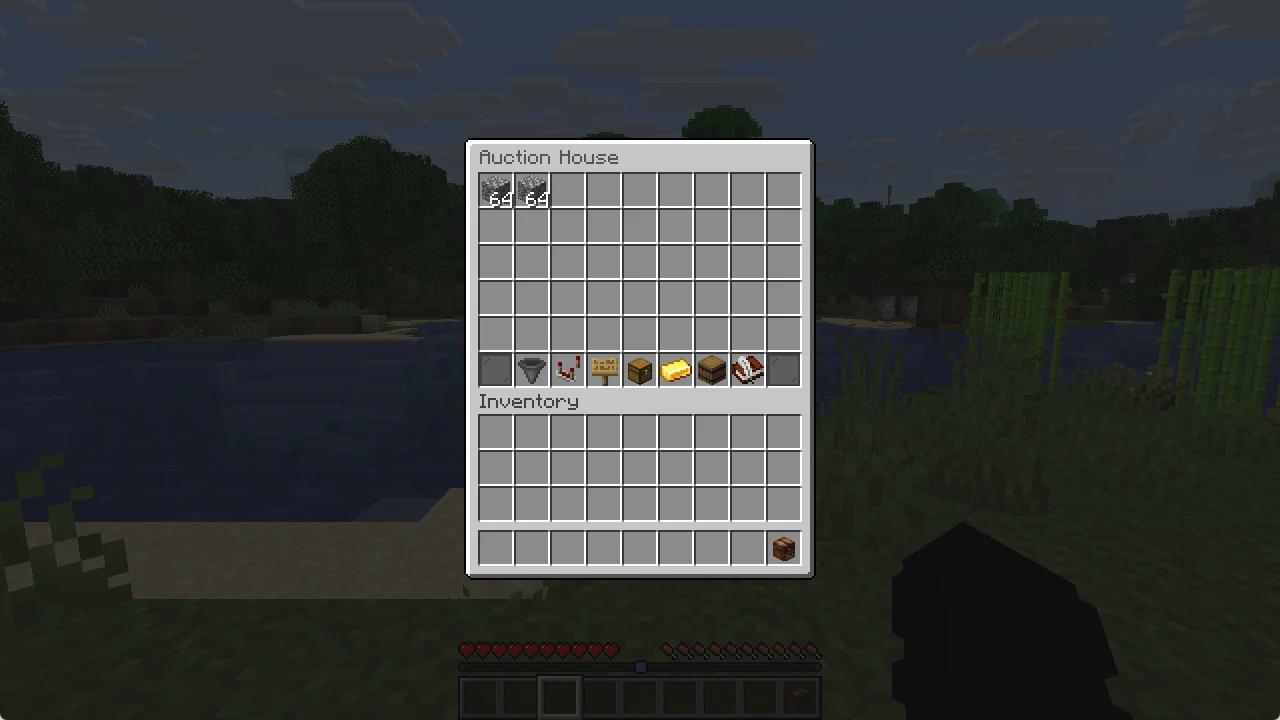
/ah opens the auction house. Click an item to buy it. The buttons at the bottom let you change pages, sort, filter, search and open your own listings.
Auctions
Want the highest bid to win? Use /ah auction <start bid> [hours] instead. Every bid must be higher than the last one, and a player who is outbid gets the money back at once.
Request board
/rb opens the request board. Players post what they need and what they pay for it. You can deliver items and get paid right away. Requests can be unlimited too: /rb create <amount> <reward> unlimited, with the same small daily fee.